Learn café drink recipes through hands-on practice. Master ingredients and quantities, practice ringing up customer orders, and discover drinks based on your preferences.
Download on the App Store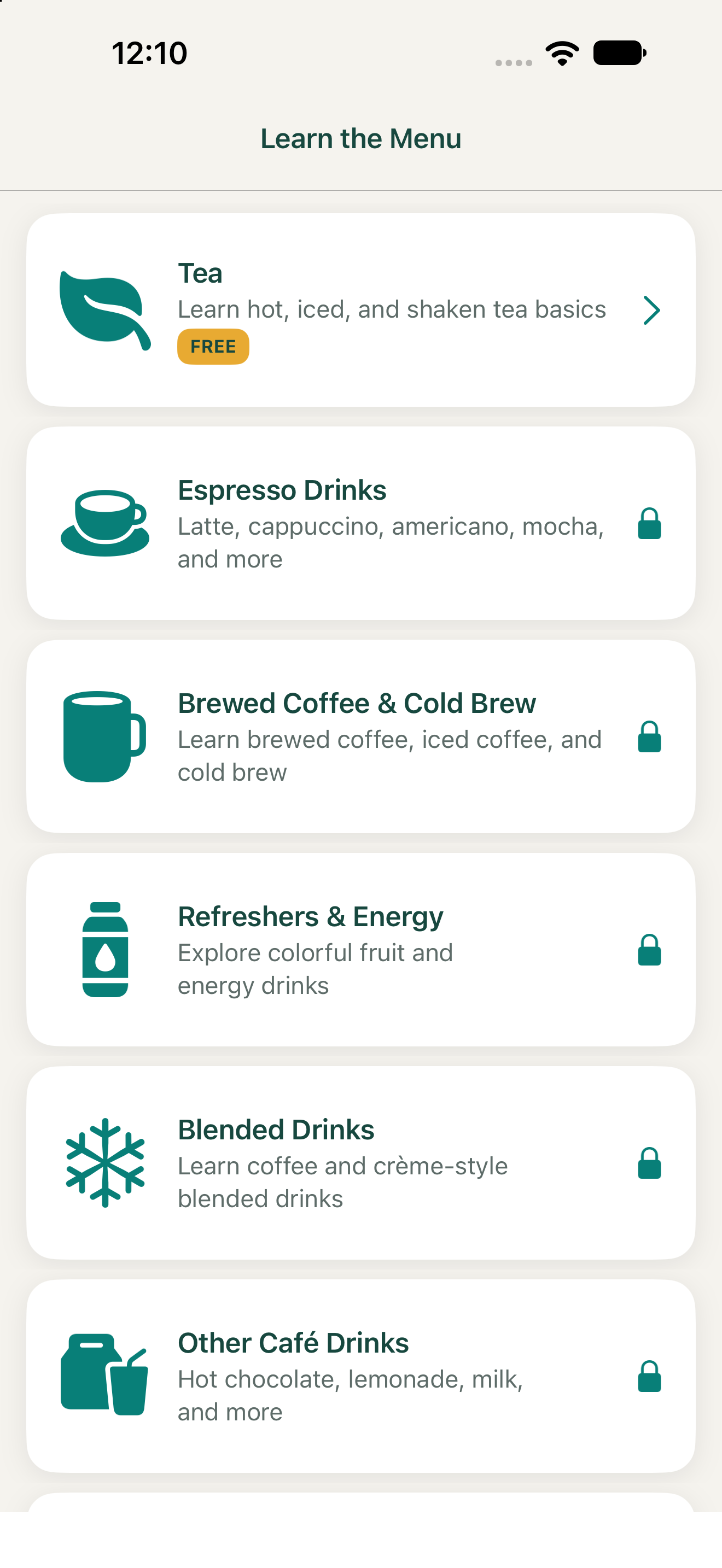
Learn café drink recipes through hands-on practice. Work through drinks in your chosen category, selecting the correct ingredients and quantities for each drink.
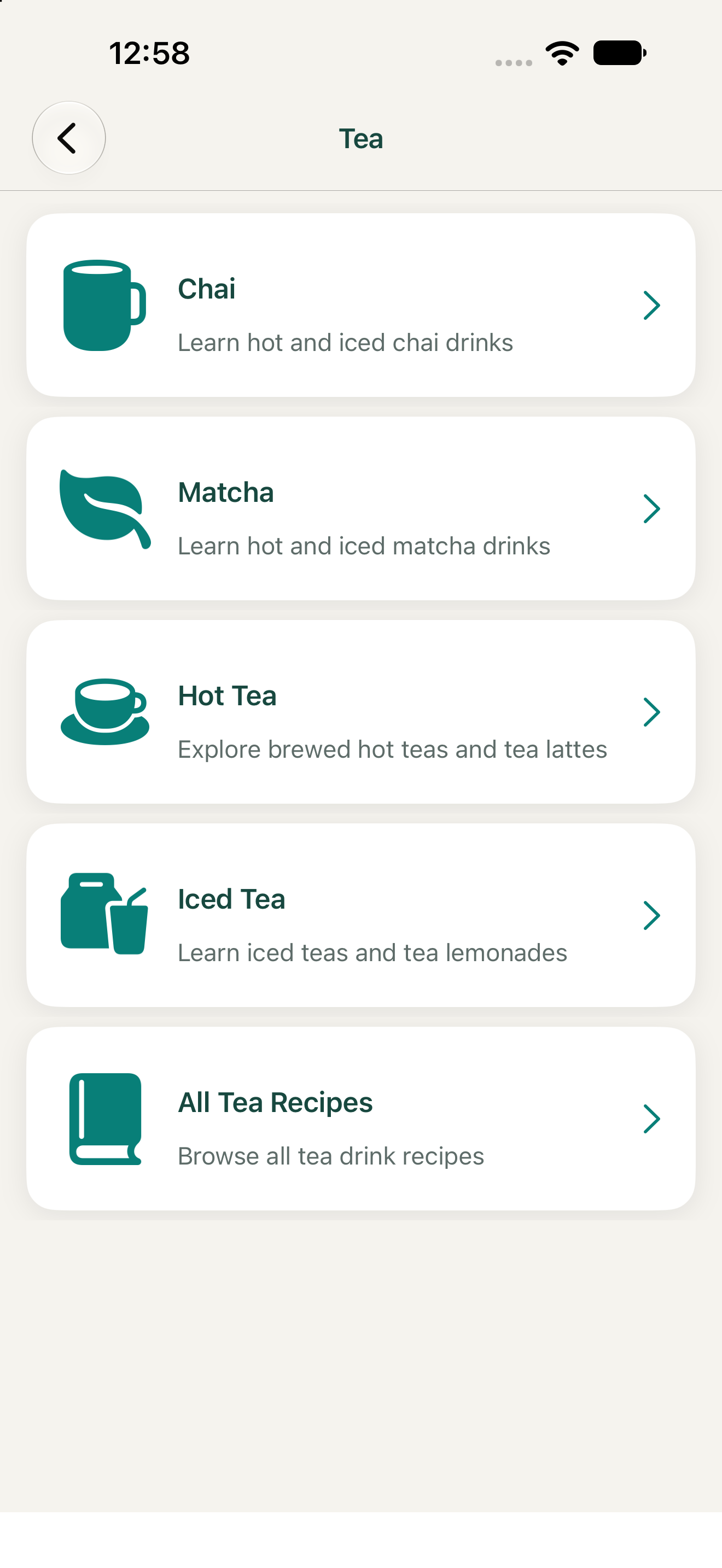
Choose a drink category, such as Tea → Matcha. The app will guide you through each drink in that category, one at a time.
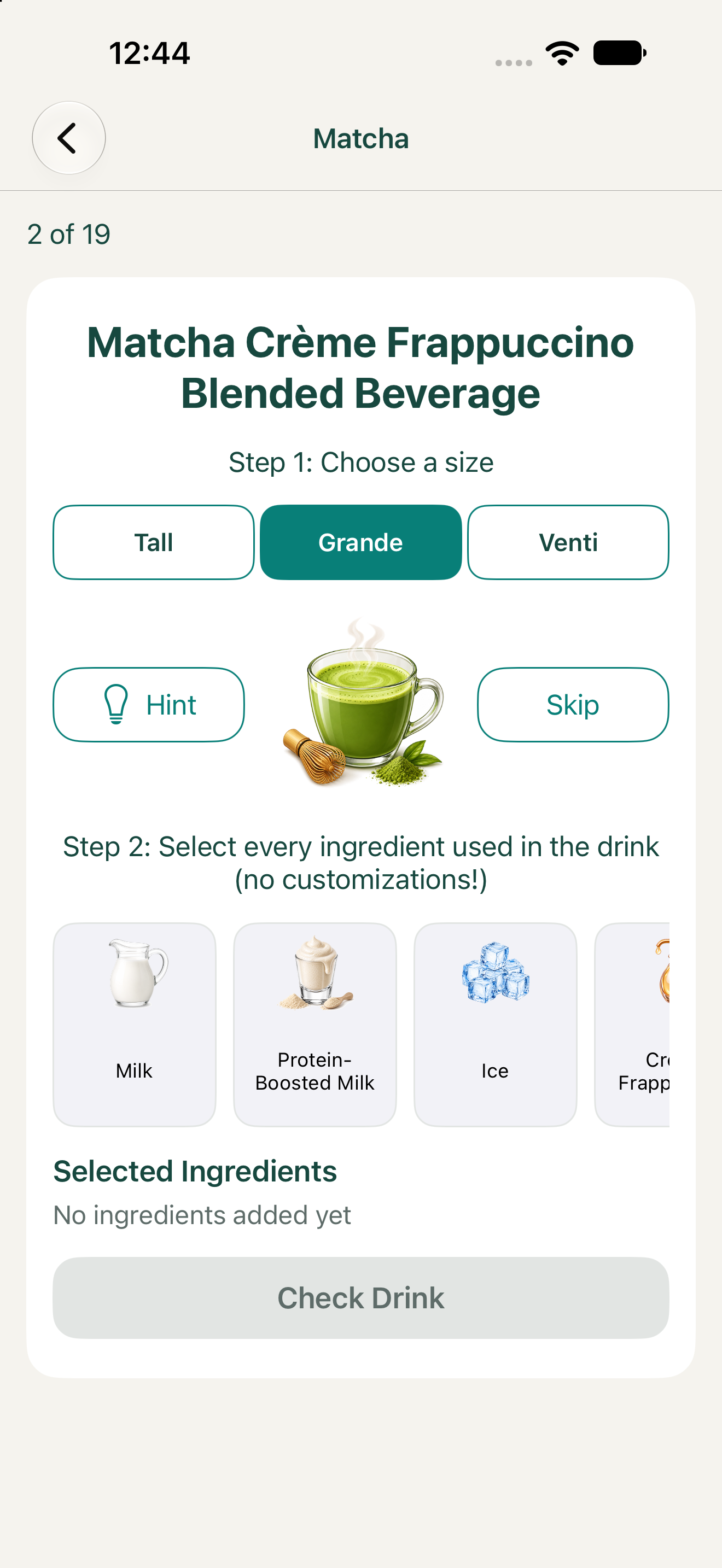
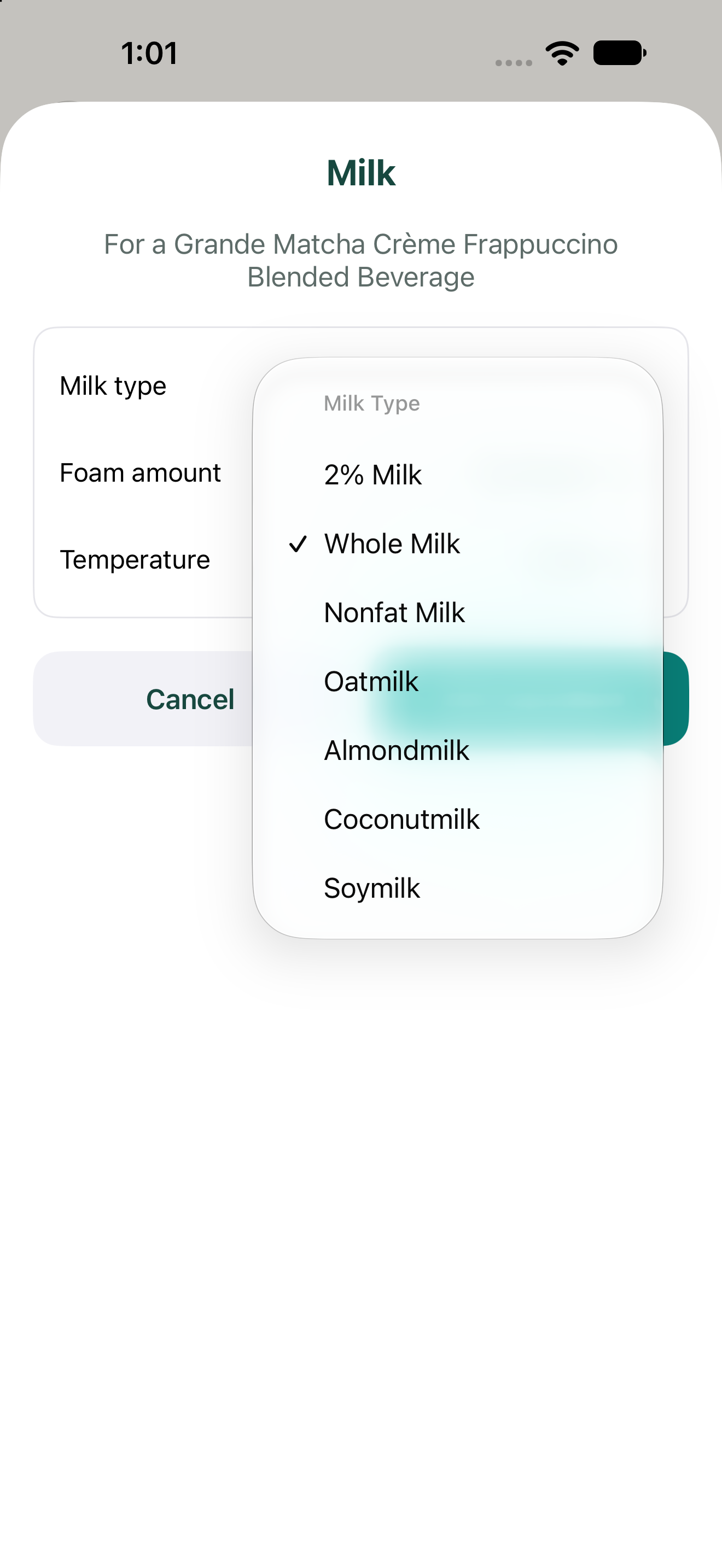
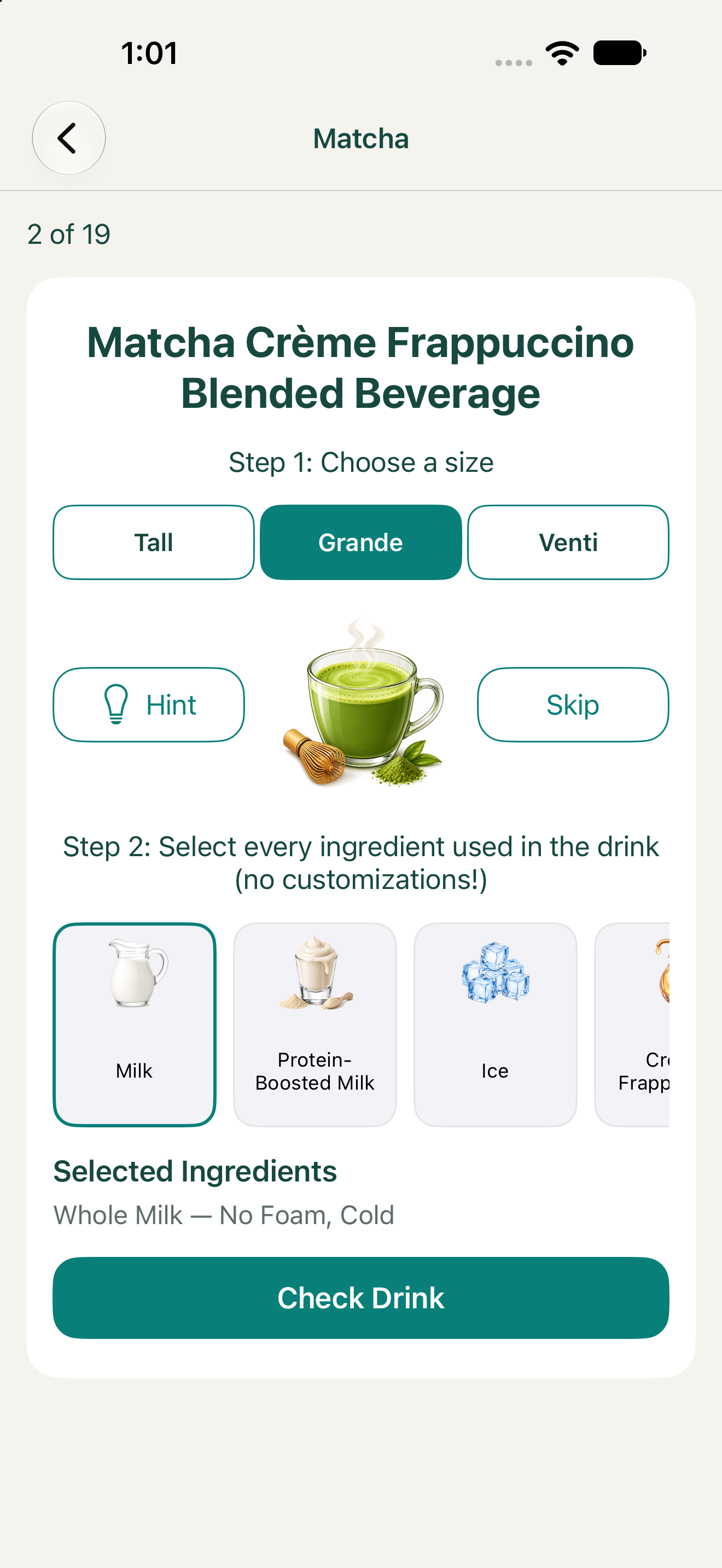
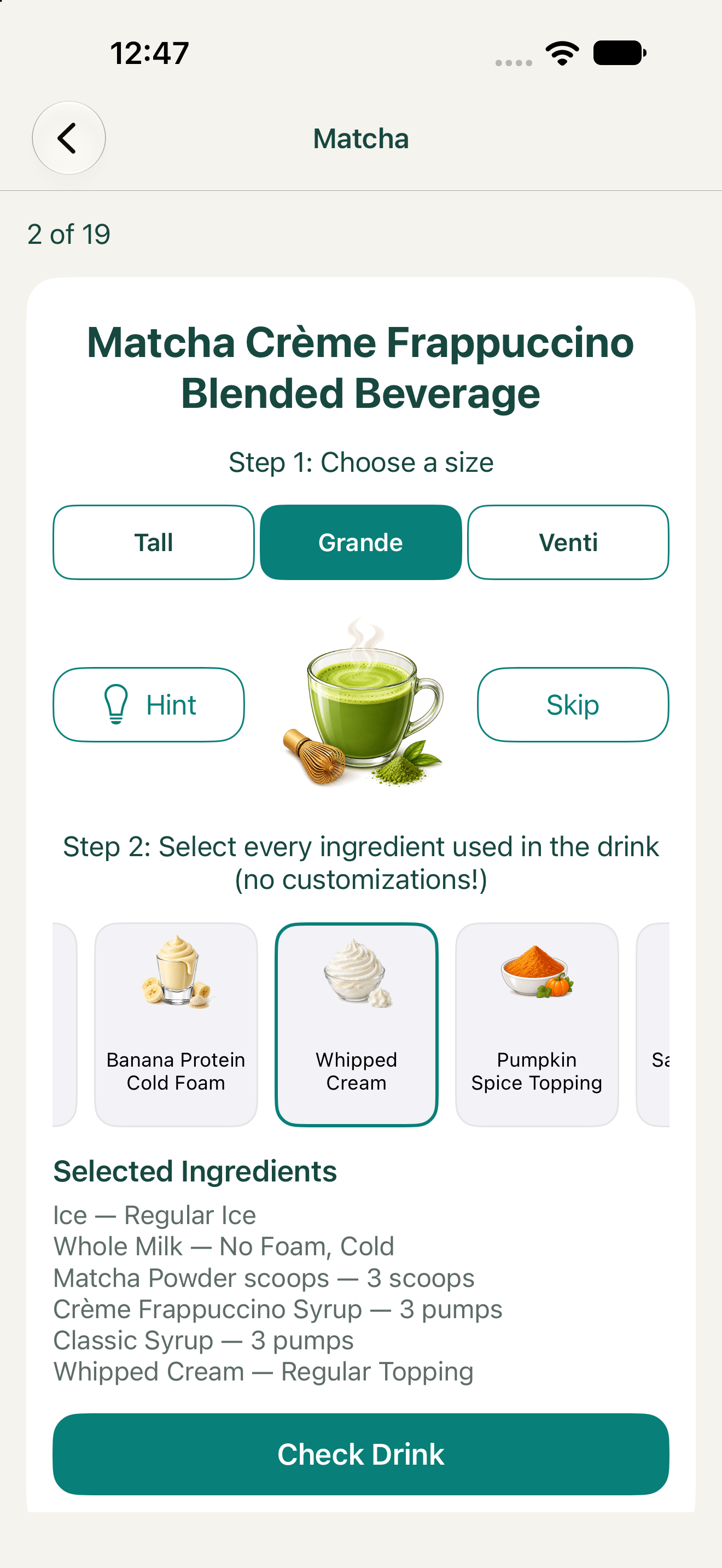
For each drink presented, select the correct ingredients and quantities, including pumps, scoops, and espresso shots. You can change the drink size, but starting with Grande is a great way to learn the recipes.
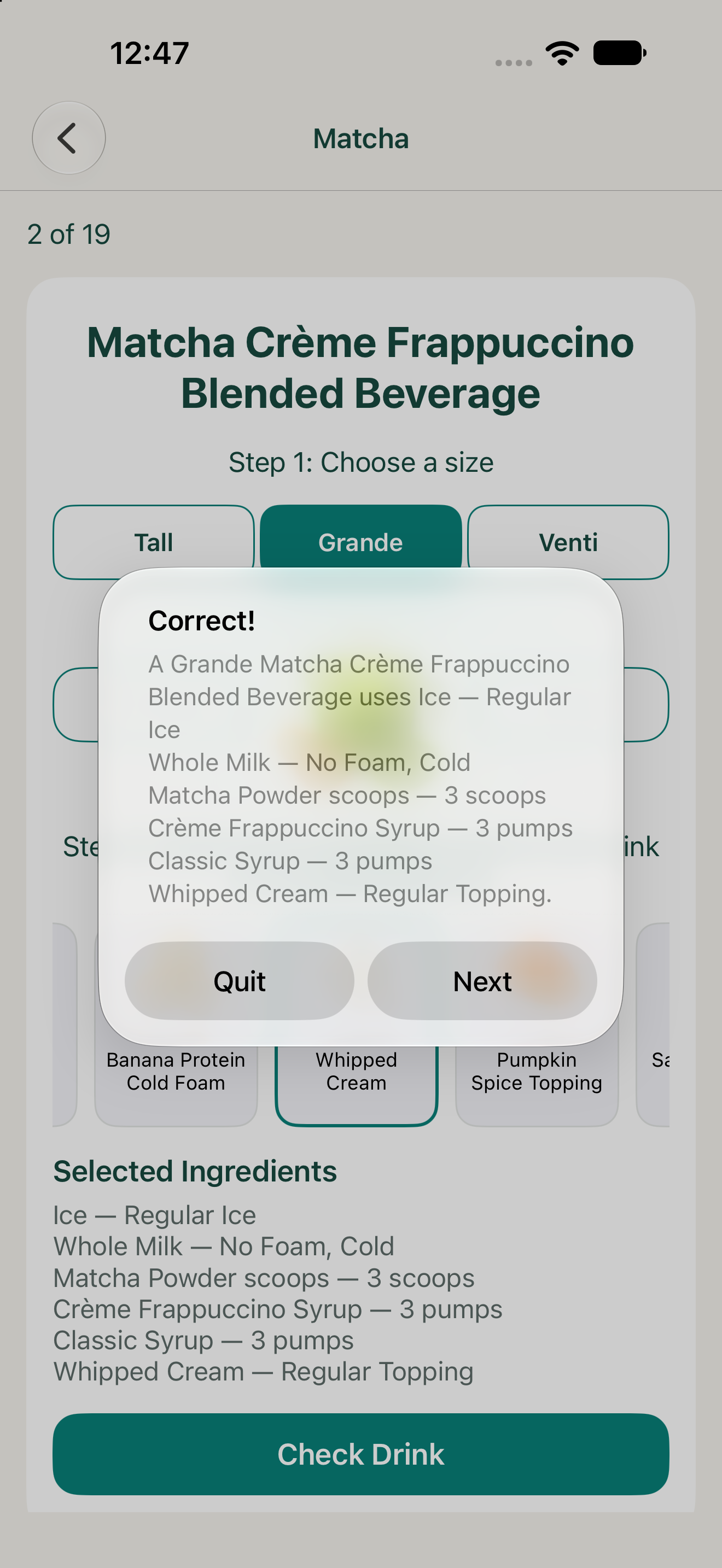
Tap "Check Drink" to validate your ingredients and quantities. Correct answers are confirmed, while incorrect answers let you try again. Select "Next" to continue, or use "Skip" if you're stuck on a drink.
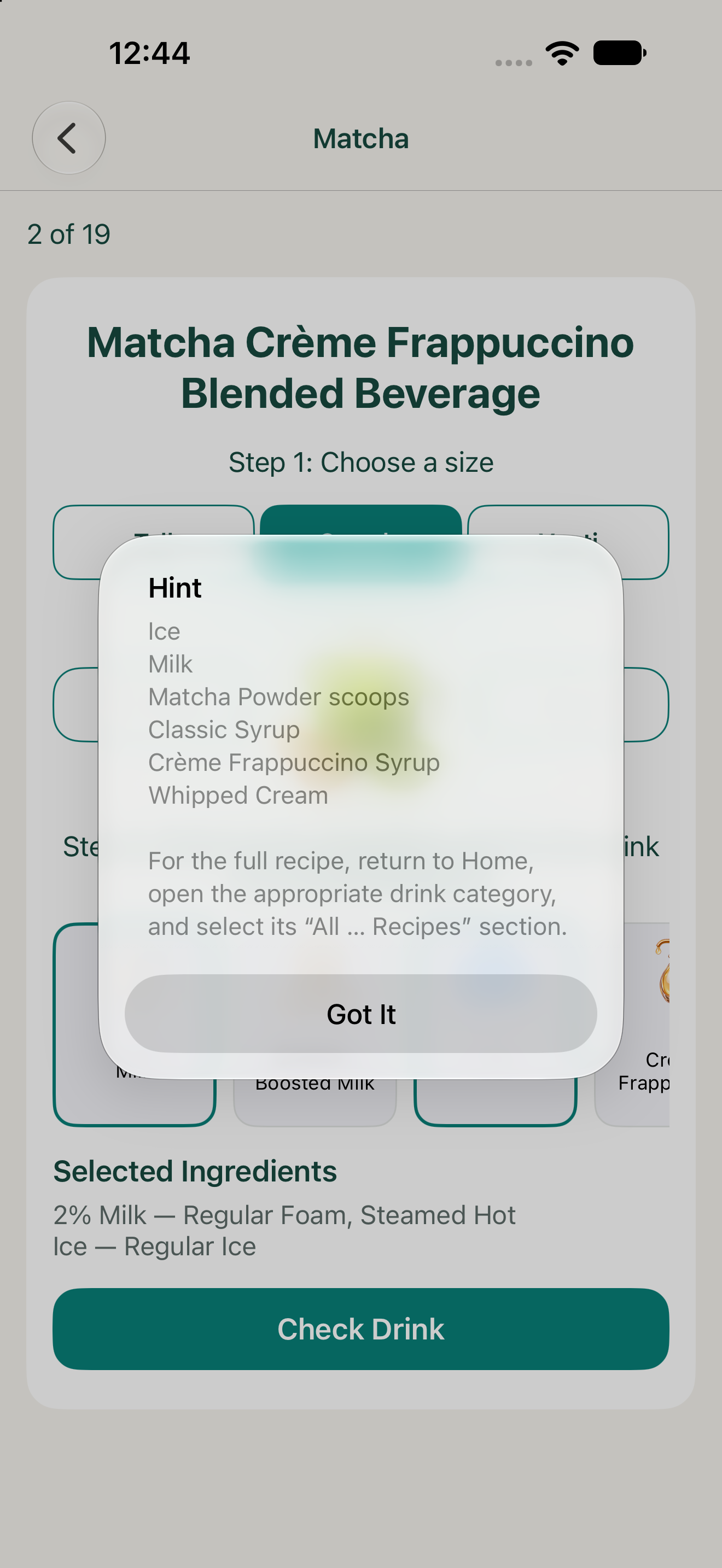
Ingredient Hints: Tap Hint to reveal which ingredients belong in the current drink without revealing quantities.
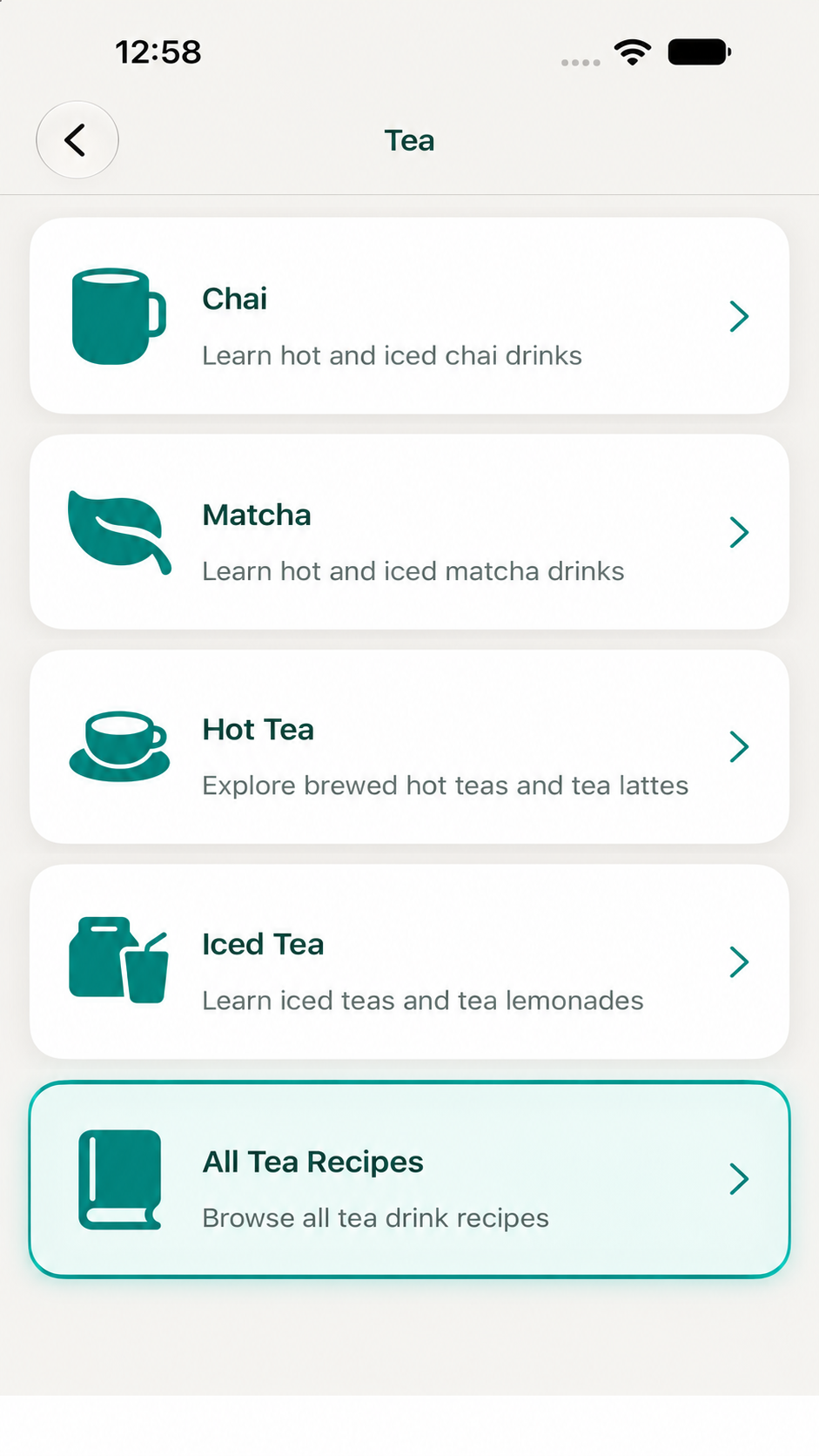
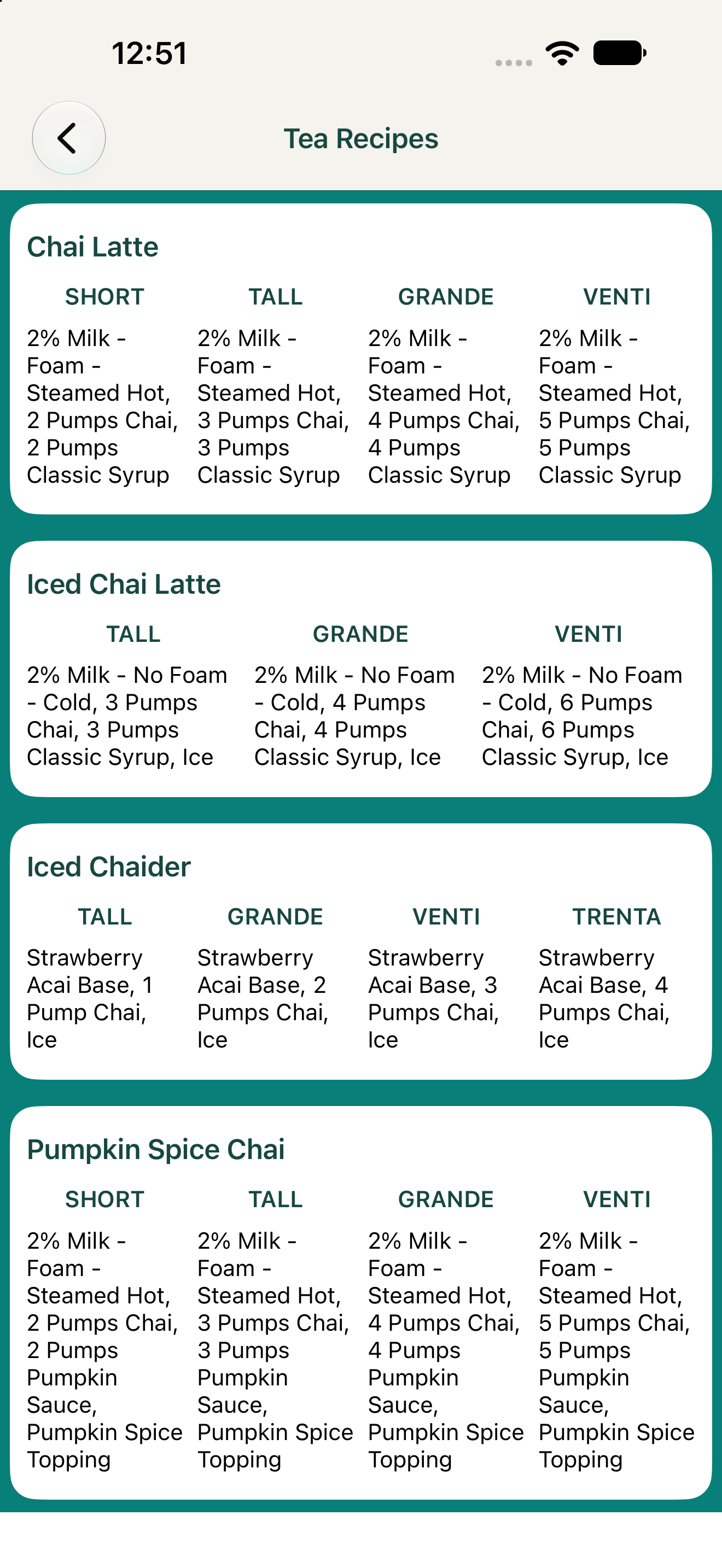
Complete Recipe Reference: Visit the "All ... Recipes" section within a drink category to view ingredients and quantities for each available size.
Practice ringing up customer drink orders using a simulated café register. Select the correct drinks and sizes, receive immediate feedback, and build confidence taking orders.
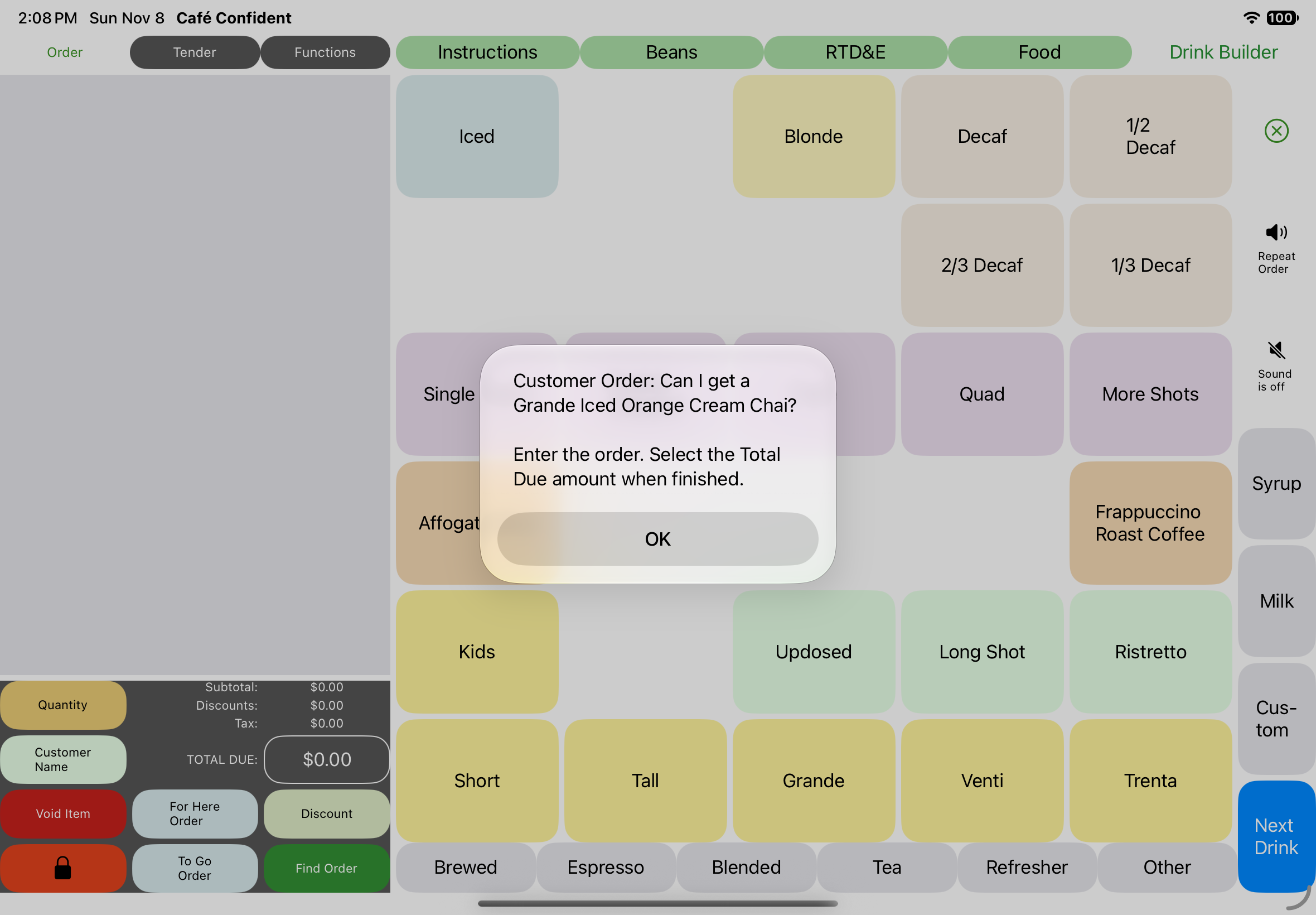
A customer places an order. Read or listen to the requested drink and size, then use the simulated register to enter the order.
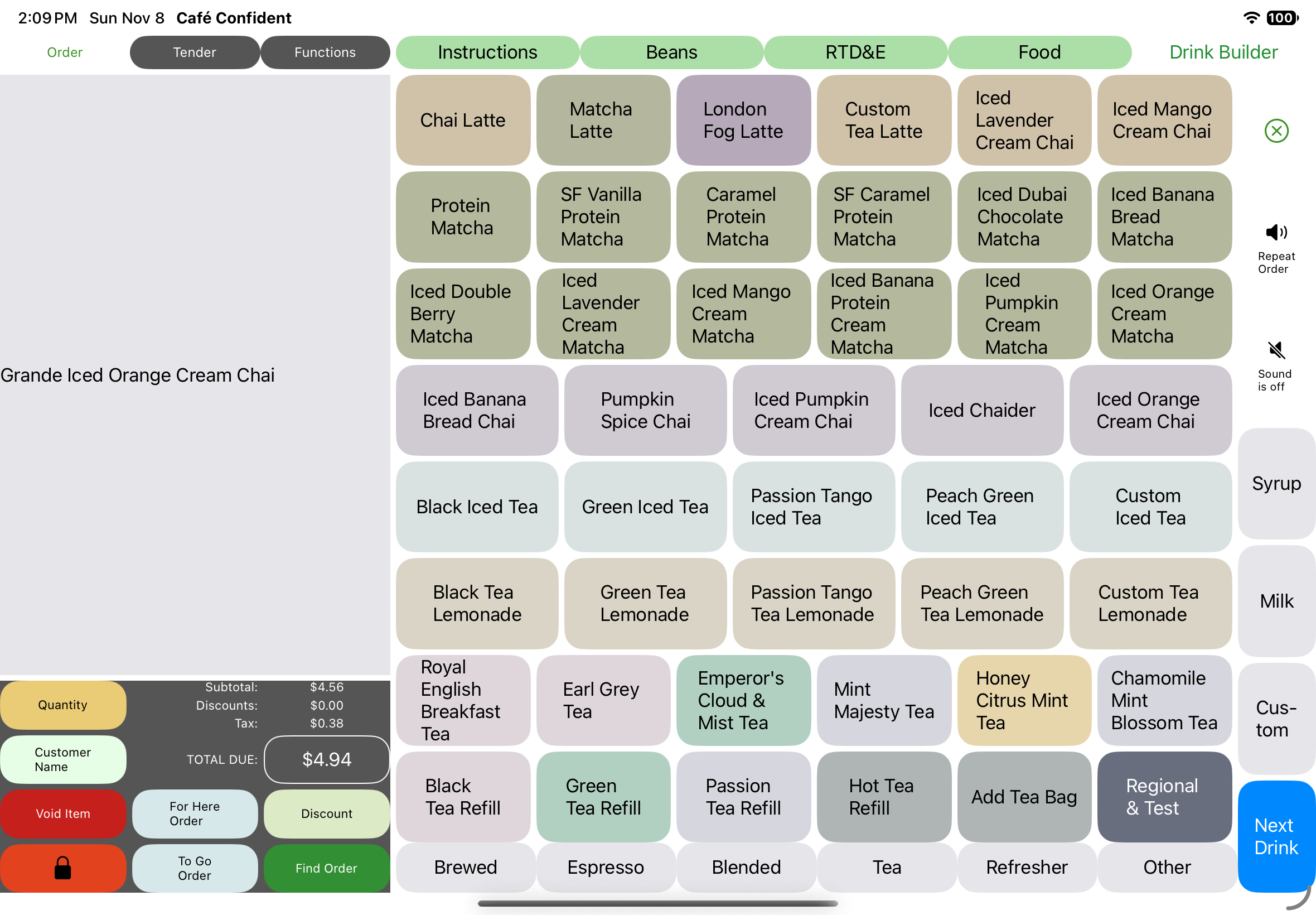
Navigate the register to find the correct drink and select its size.
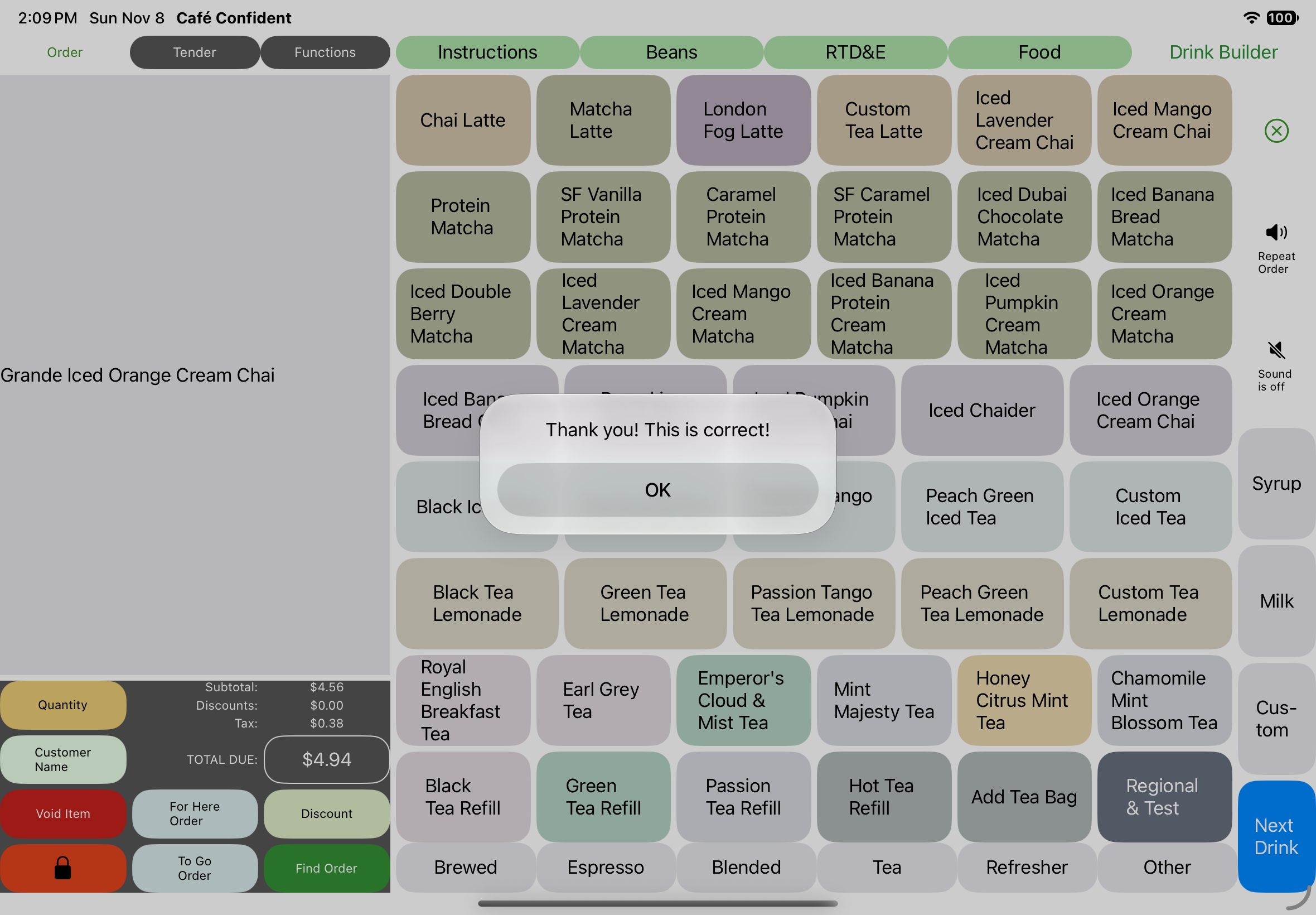
Submit your entry by selecting the total due button that reads $4.94 in the screenshot. If it's incorrect, try again. If it's correct, continue when the customer orders another drink.
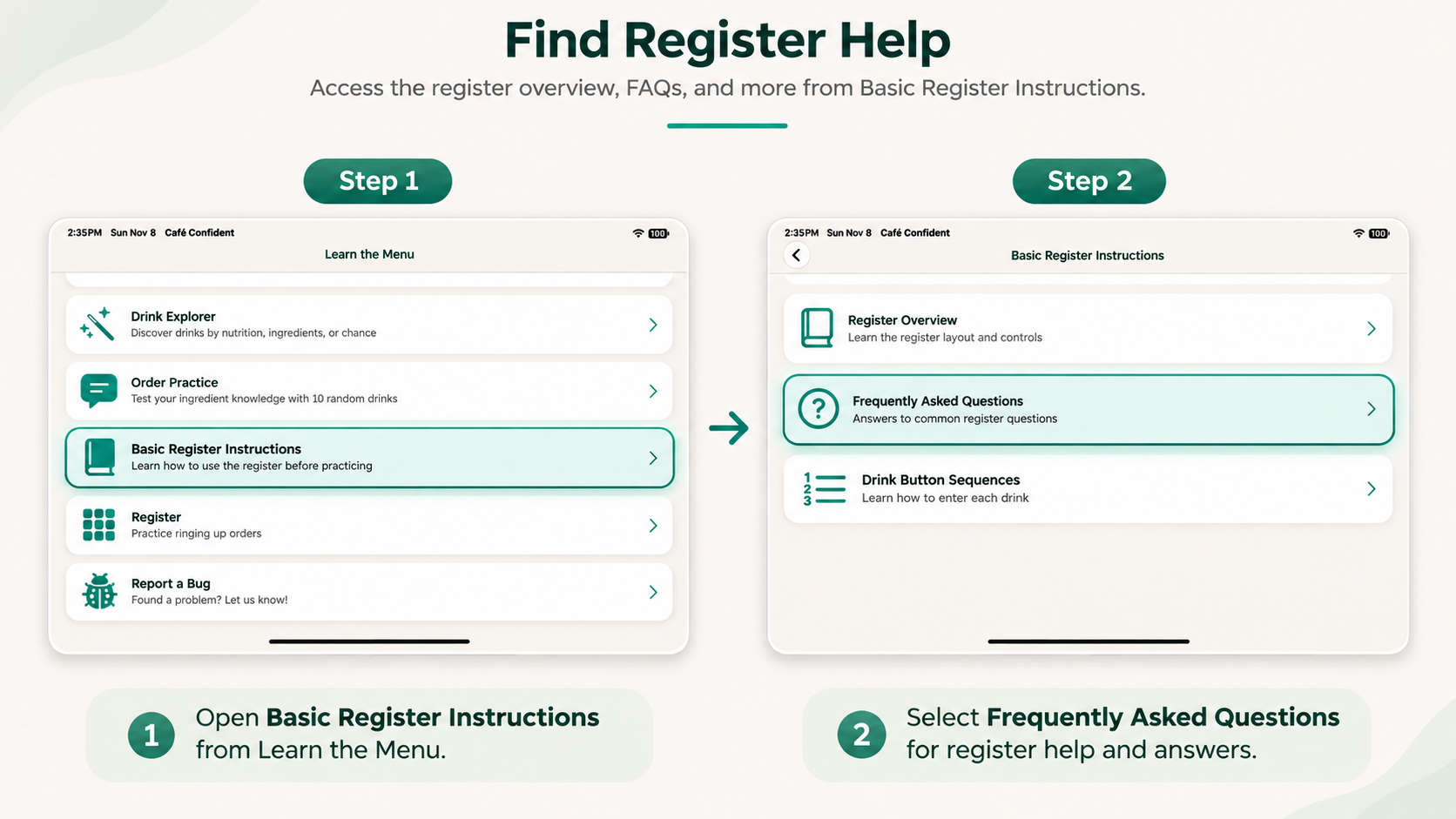
New to the register? Access Basic Register Instructions from the main menu to learn the register layout, review frequently asked questions, and understand how to enter drink orders.
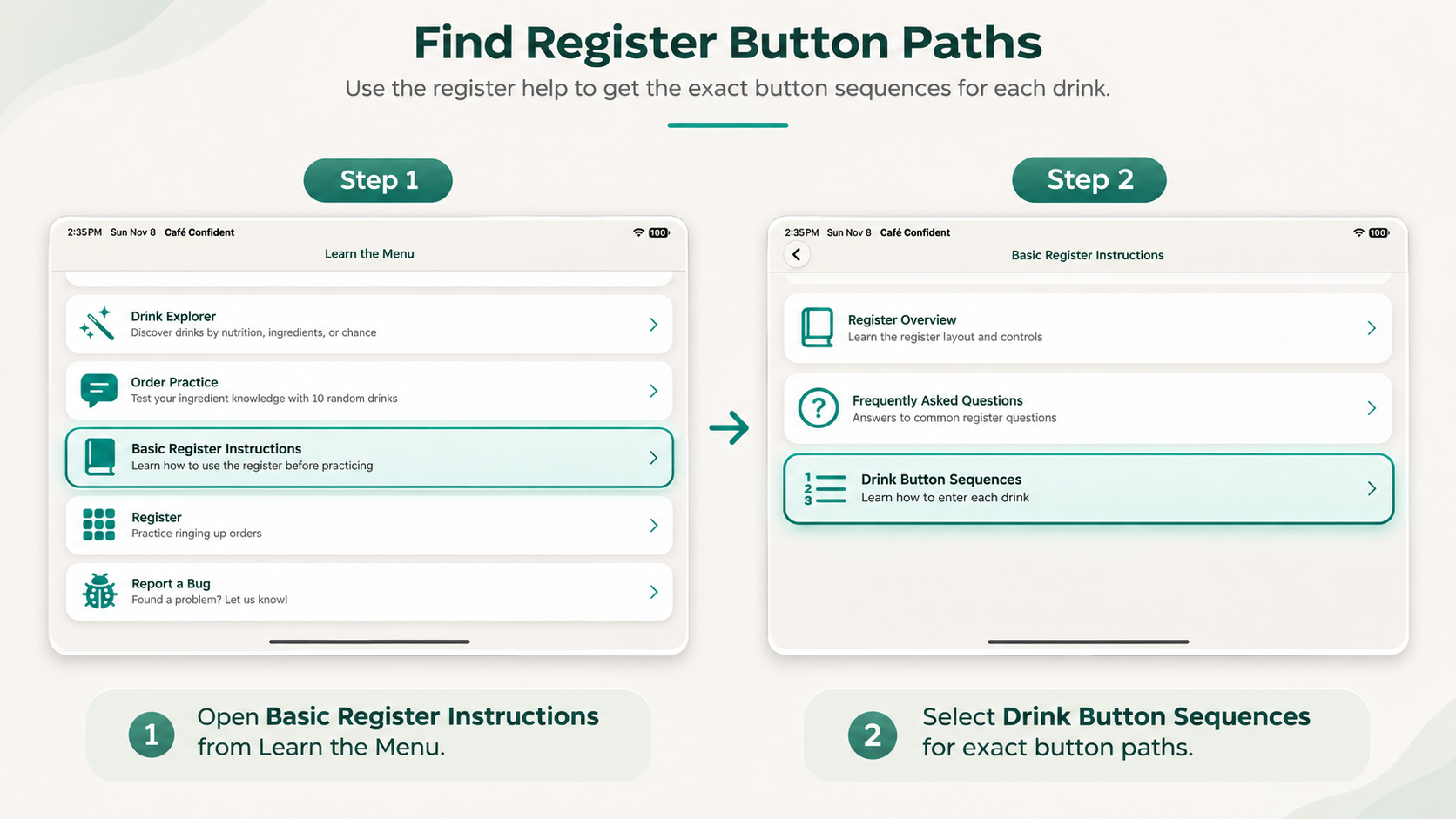
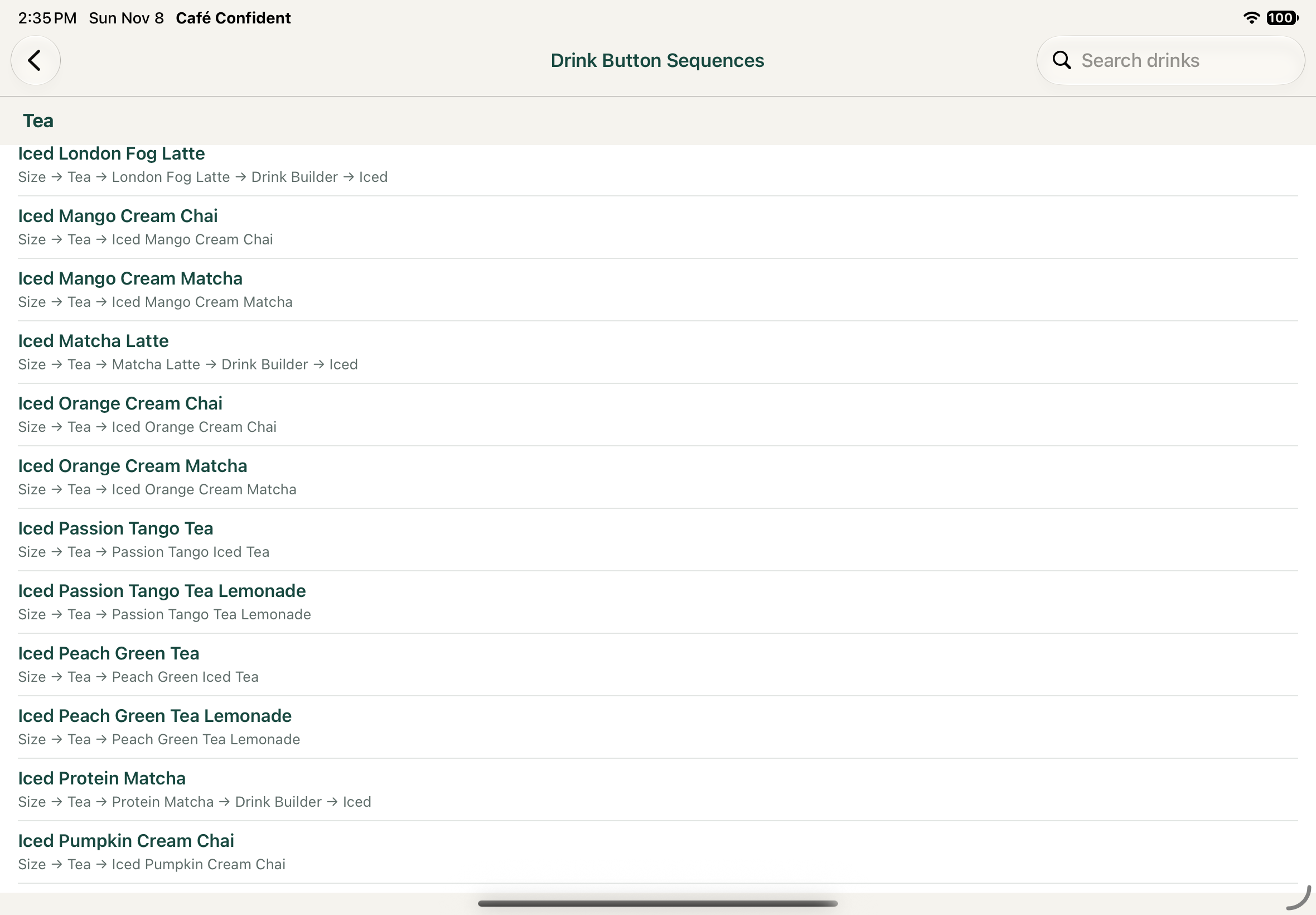
Not sure which buttons to press? Use the searchable Drink Button Sequences reference to see the exact buttons needed to ring up each drink, in the correct order.
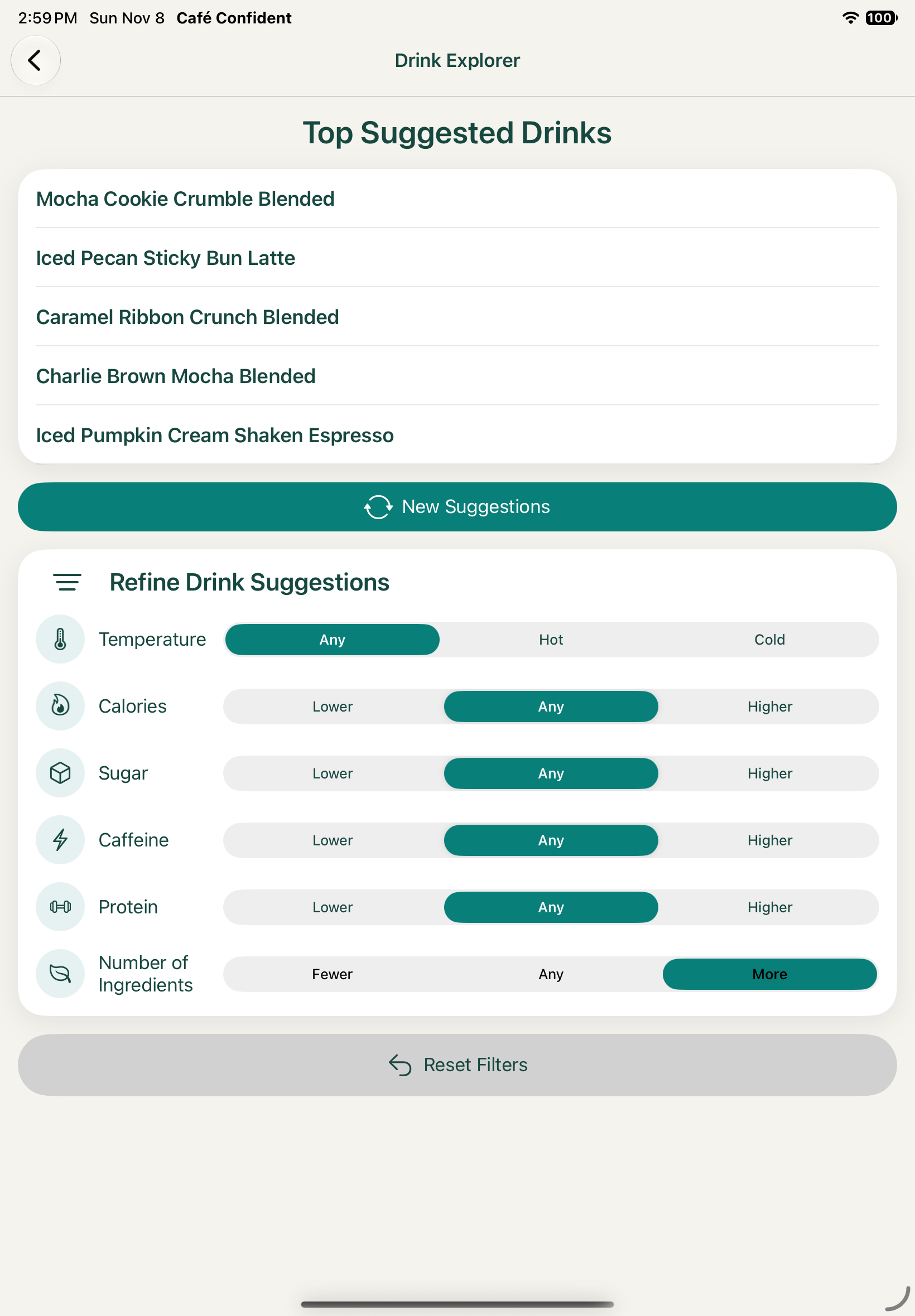
Explore suggested café drinks and discover new favorites. Refine your recommendations by temperature, calories, sugar, caffeine, protein, and number of ingredients. Adjust your preferences or generate new suggestions to find drinks that suit your tastes.
Whether you're a new barista, preparing for your first café job, a coffee enthusiast, or simply curious about what's on the menu, Café Confident helps you learn drink recipes, practice your skills, and discover new favorites.
Got a Starbucks gift card but don't know a latte from a macchiato? Explore what's in each drink and discover something you'll love ordering!
Learn drink recipes, memorize ingredients and quantities, and build confidence before preparing drinks and taking customer orders.
Love coffee and café drinks? Go beyond ordering your favorites and learn what goes into making them, from espresso shots to syrups and toppings.
Dream of running your own coffee shop? Play barista, take pretend customer orders, and practice making drinks while running your very own virtual café!
Meeting friends or going on a first date at Starbucks? Get familiar with the menu, order with confidence, and impress your company with a little coffee knowledge. You might even use this app as a great conversation starter!
Tired of ordering the same drink every time? Discover new café favorites by exploring different ingredients, flavors, and drink options you might never have considered!
Café Confident is an independent educational app developed by Precomind LLC. It is not affiliated with, sponsored by, or endorsed by Starbucks Corporation.
The app is inspired by Starbucks drinks, recipes, and ordering processes. Because Café Confident is independently developed, its drink recipes, ingredients, quantities, and simulated register may not exactly match those used at Starbucks locations.
Café Confident is intended for educational and practice purposes only. Starbucks and related product names are trademarks of their respective owners.
Learn drink recipes, practice customer orders, and explore café drinks without an internet connection. Café Confident keeps your learning experience simple and private.
Start learning café drink recipes for free, then upgrade to Pro to unlock the complete Café Confident experience.
Find answers about PDF formatting, Apple voices, offline use, privacy, and the difference between Free and Pro.
A: Each drink category includes an "All ... Recipes" reference with the ingredients and exact quantities, including pumps, scoops, and shots for each drink size. You can also use the Hint button during practice to reveal which ingredients you need.
A: Navigate to Basic Register Instructions → Drink Button Sequences. You'll find step-by-step instructions showing exactly which buttons to press for each drink.
A: After completing a drink, press Next Drink to continue entering the customer's order.
A: Some filter combinations may be too restrictive for any drinks to qualify. Drink Explorer uses the following thresholds:
Calories: 100
Sugar: 10 g
Caffeine: 65 mg
Protein: 10 g
For example, combining low sugar with high protein may leave no matching drinks. Try adjusting your filters or selecting Reset Filters to see more suggestions.
A: We're happy to help! Email us at support@precomind.com.
Café Confident is just getting started! Future updates may expand the learning experience with additional drinks, more advanced training, and new café menus.
Potential future features include:
Future development will depend on customer feedback, interest, and sales. Our goal is to continue making Café Confident a fun and useful way to explore the world of café drinks.